
Embedded Vitals: Power, Bandwidth, and Hardware Requirements
Technical analysis of embedded vitals power bandwidth hardware requirements, including camera pipelines, edge compute, memory, networking, and thermal design for kiosk and device teams.
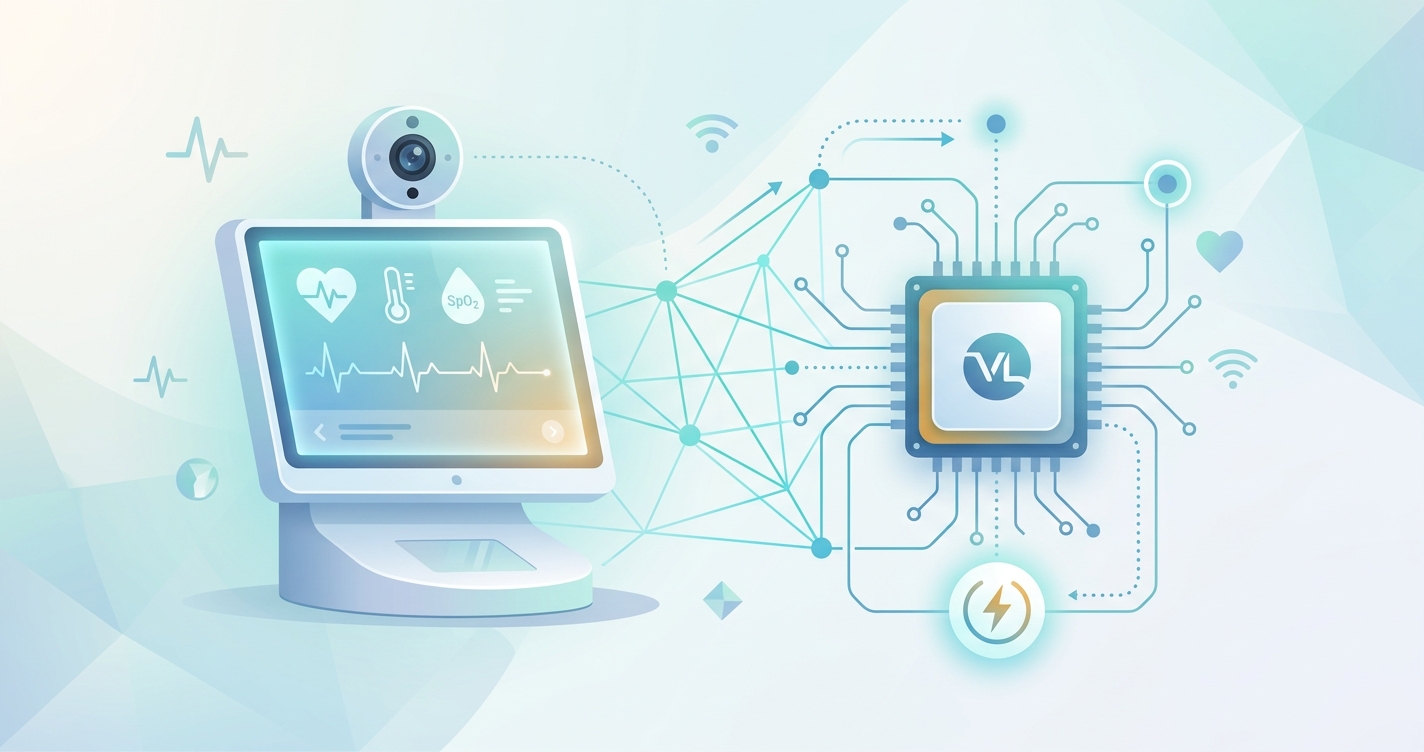
Embedded vitals power bandwidth hardware requirements usually get discussed as if they were separate procurement decisions. In practice, they are one engineering problem. A clinical kiosk, smart display, tablet enclosure, or IoT screening device only works when the camera pipeline, processor, memory, power budget, thermal envelope, and network policy all line up. If one layer is undersized, the whole experience gets shaky fast: dropped frames, noisy signal extraction, hot enclosures, or cloud round-trips that make a ten-second measurement feel much longer.
"Many studies still lack performance testing, user-experience evaluation, and development standardization." — Saksham Bhutani, Aymen Alian, Richard Ribon Fletcher, Hagen Bomberg, Urs Eichenberger, Carlo Menon, and Mohamed Elgendi, Vital signs-based healthcare kiosks for screening chronic and infectious diseases: a systematic review, 2025
Embedded vitals power bandwidth hardware requirements in real deployments
For device teams, embedded vitals means contactless measurement has to run on hardware with very ordinary constraints. The enclosure may have a shared power rail. The compute module may also drive the UI, peripherals, and audit logging. The network may be unstable or intentionally limited because raw video should not leave the device. Those conditions are why embedded design matters more than algorithm benchmarks on their own.
A 2023 review in Electronics on remote photoplethysmography on edge devices described the core tradeoff clearly: useful rPPG at the edge depends on lightweight processing, careful hardware selection, and enough robustness to deal with lighting changes, motion, and camera limitations. That review did not treat edge deployment as an afterthought. It treated it as the whole problem.
The requirements usually break into five questions:
- how much compute is needed to keep up with the video stream
- how much local memory is needed for capture buffers, face tracking, and UI services
- how much power the enclosure can safely deliver all day
- how much bandwidth should be reserved for telemetry, updates, and optional upstream reporting
- how much thermal headroom is available before clocks drop and latency starts wandering
| Design layer | What the system actually needs | Hardware consequence |
|---|---|---|
| Camera path | Stable face capture at useful resolution and frame rate | Good RGB sensor, fixed exposure logic, predictable ISP behavior |
| Compute | Real-time face detection, ROI tracking, filtering, and estimation | Multi-core ARM or x86 edge platform, often with GPU or NPU help |
| Memory and storage | Video buffers, local inference, logs, UI assets, rollback support | 4-8 GB RAM for kiosk-class systems, durable local storage |
| Network | Device management and result delivery without cloud dependence for inference | Ethernet or managed Wi-Fi, store-and-forward design |
| Power and thermals | Continuous duty without throttling or brownouts | Stable rails, cooling design, and conservative peak-load planning |
Why bandwidth planning starts with what stays on the device
One of the easiest ways to blow up an embedded vitals design is to assume raw video can always be shipped upstream. It usually should not be. Video streams create privacy questions, congestion, and failure modes that look small in a lab and ugly in the field.
That is why edge-first design has become the default direction. The 2025 hybrid fog-edge architecture study on real-time health monitoring reported a 70% latency reduction, 60% bandwidth savings, and 30% better energy efficiency compared with cloud-only models. Those numbers come from a broader IoMT setting, not just rPPG kiosks, but the lesson carries over well: once first-pass processing happens locally, the network stops being part of the measurement loop.
For embedded vitals systems, that usually means sending only the things that matter upstream:
- measurement outputs and confidence metadata
- audit events and system health logs
- software updates and configuration changes
- alerts when a device falls out of policy or thermal range
Everything else should be handled on-device when possible. I keep coming back to this because it is the difference between a product that feels dependable and one that feels like a demo.
A practical bandwidth model
Bandwidth needs depend on architecture, but rough planning is still possible.
| Architecture choice | Typical bandwidth profile | Best fit |
|---|---|---|
| Raw video to cloud | Highest sustained bandwidth, privacy burden, network-sensitive latency | Usually a poor fit for embedded medical kiosks |
| Compressed clips on demand | Moderate bandwidth during exceptions only | Incident review and supervised escalation |
| Local inference with result sync | Low steady bandwidth | Most kiosks, tablets, and fixed screening devices |
| Local inference plus fleet telemetry | Low to moderate bandwidth | Multi-site deployments needing remote support |
| Mostly offline with periodic sync | Very low steady bandwidth | Field, mobile, or rugged deployments |
If a device can perform facial alignment, signal extraction, and first-pass vital sign estimation locally, the ongoing bandwidth requirement often drops from a streaming problem to a reporting problem. That is much easier to budget and much easier to secure.
Power budgets are not just about battery life
Power is usually framed as a portability issue, but wall-powered kiosks run into the same constraint from another angle. When the processor, camera, display, illumination, and connectivity modules all draw from the same enclosure budget, power spikes turn into thermal spikes. Then the processor clocks down, frame timing gets inconsistent, and the signal path becomes less stable.
The edge-device literature is useful here. RhythmEdge, presented by Zahid Hasan, Emon Dey, and colleagues, showed contactless heart-rate estimation running on Jetson Nano, Google Coral, and Raspberry Pi-class hardware with reported maximum power consumption around 8 watts. That does not mean every embedded vitals stack will sit at 8 watts. It does show that meaningful on-device inference can fit inside a modest power envelope when the pipeline is optimized.
The 2023 wearable photoplethysmography roadmap made a related point from the sensor side: edge health systems need AI architectures with lower computational complexity if they are going to run reliably on constrained hardware. In plain English, model ambition has to match the box it lives in.
What device teams usually budget for
- camera and image signal path running continuously during capture windows
- display brightness high enough to guide user positioning
- local inference at stable rather than peak clocks
- short bursts for encryption, storage writes, and network sync
- enough reserve capacity so performance does not collapse as the enclosure heats up
A system sized right at its average load tends to fail in the least surprising way imaginable: it works in the morning and gets worse by mid-afternoon.
Hardware choices that matter more than people expect
Processor branding gets a lot of attention, but embedded vitals performance is often decided by less glamorous details.
Camera consistency
Rouast and colleagues noted back in 2018 that camera quality, frame rate, lighting, and motion handling are all central to camera-based vital sign estimation. That still holds. A cheaper sensor with unstable exposure behavior can sabotage a strong compute stack.
Lighting control
Lighting is not a cosmetic issue. Search results tied to the literature on different lighting conditions consistently show that ambient variation and artificial flicker can distort rPPG extraction. Researchers also keep finding that the green channel carries especially useful pulse information because hemoglobin absorption is strongest there. For embedded products, that means the enclosure and illumination plan deserve as much attention as the model.
Memory headroom
A device may only run one user session at a time, but it still needs room for camera buffers, face tracking, UI rendering, watchdog services, and local logs. That is why kiosk-class systems often land in the 4-8 GB RAM range even when the inference model alone looks smaller on paper.
Thermal design
Thermals are where good prototypes go to die. Passive cooling may be enough for short demos. Continuous screening stations usually need more margin. If the device is expected to behave like the systems discussed in Edge Computing for Real-Time Vitals: Hardware Requirements, then sustained performance matters more than attractive benchmark bursts.
Industry applications for embedded vitals systems
Clinical kiosks and waiting-room stations
These deployments usually have the cleanest conditions: fixed power, controlled positioning, and more room for cooling. They are the best fit for local inference, audit logging, and managed Ethernet connectivity. The same design logic also shows up in What Is a Health Screening Station? Waiting Room Deployments.
Tablets, carts, and semi-mobile stations
Here the balance shifts. Power efficiency matters more, active cooling becomes harder, and Wi-Fi quality starts to matter. Local processing still helps, but the software stack has to be tighter.
Rugged or field hardware
This is the hardest category. Power may be intermittent, heat can swing widely, and the device may sync only when backhaul is available. In these systems, low bandwidth architecture and conservative compute choices are not nice extras. They are survival traits.
Current research and evidence
The current literature points in a pretty consistent direction.
Bhutani, Alian, Fletcher, Bomberg, Eichenberger, Menon, and Elgendi reviewed 36 studies on vital-sign kiosks and found that blood pressure was the most frequently measured signal, cardiovascular disease detection drove 56% of the projects, and basic gaps remain in performance testing and standardization. That is an important warning for product teams. Plenty of hardware concepts exist. Fewer have been proven under real operational conditions.
The Electronics review on rPPG on edge devices said the same thing from the embedded side: useful edge deployment depends on optimized algorithms, artifact mitigation, and hardware matched to limited compute and power budgets. This is not just a model-selection exercise.
Lighting evidence matters too. Search-grounded summaries of the camera-monitoring literature repeatedly point to ambient light, flicker, gaze direction, and camera calibration as major variables. That is why enclosure design, illumination, and sensor tuning keep showing up in serious implementations.
Finally, the broader edge-healthcare architecture work is hard to ignore. If local processing can materially cut latency and bandwidth while improving energy use, then embedded vitals systems should be designed around that assumption from day one rather than treating local inference as an upgrade later.
The future of embedded vitals hardware
The next wave of embedded vitals systems will probably be less cloud-hungry and more appliance-like. Better NPUs, more efficient models, and tighter on-device pipelines should make it easier to keep raw video local while still delivering fast results and manageable fleet telemetry.
I also think the market will get stricter about reproducibility. Device teams will be expected to explain not just which model they use, but what camera, what lighting envelope, what thermal constraints, and what bandwidth assumptions sit underneath the numbers. That is healthy. Embedded vitals is moving out of the proof-of-concept phase and into the phase where systems engineering matters more than slides.
FAQ
What is the biggest hardware mistake in embedded vitals projects?
Treating compute, bandwidth, and power as separate decisions. They interact constantly. A design that relies on upstream video processing changes the network budget, privacy model, and power draw all at once.
Does embedded vitals always require a GPU or NPU?
Not always. Some optimized pipelines can run on CPU-centric edge hardware. But accelerators become more useful as the device adds richer UI, multiple models, or more demanding real-time constraints.
Why is bandwidth still important if inference happens locally?
Because devices still need software updates, audit logs, telemetry, and result delivery. Local inference reduces bandwidth pressure, but it does not eliminate networking requirements.
How much RAM should a kiosk-class embedded vitals device have?
There is no universal number, but kiosk-class systems often need more headroom than the inference model alone suggests. Video buffers, UI rendering, storage services, and monitoring agents push many practical designs into the 4-8 GB range.
For device makers building kiosk, tablet, or smart-display hardware, the real job is putting the whole stack on a budget that survives daily use. That is where solutions like Circadify's clinical kiosk integration work fit: local capture, embedded processing, and hardware choices designed around the device instead of around a generic cloud demo.