
5 Embedded rPPG Hardware Platforms Compared for Clinical Kiosks
A research-based embedded rPPG hardware platform clinical kiosk comparison covering ARM and x86 options, AI throughput, thermals, camera support, and deployment tradeoffs.
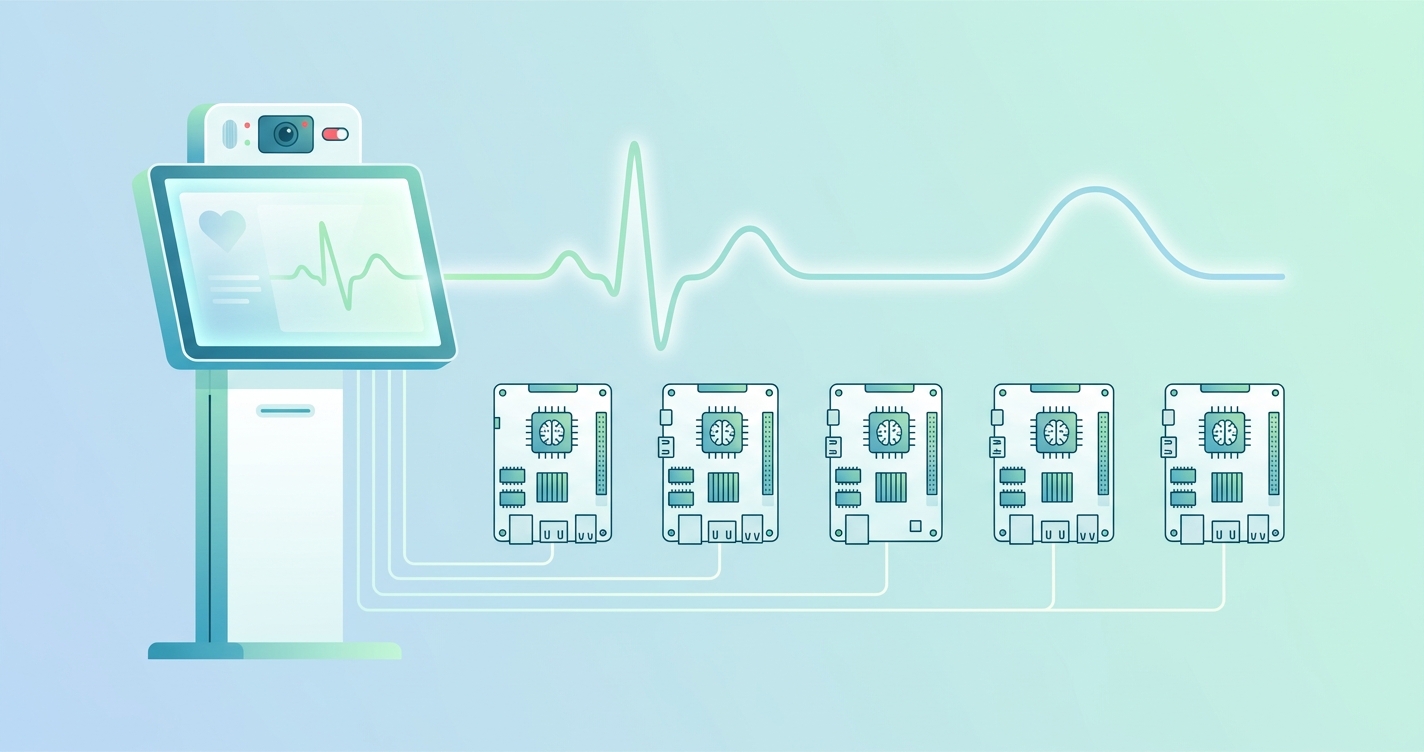
Embedded rPPG hardware platform clinical kiosk comparison is not really about picking the chip with the biggest TOPS number. That is the easy part. The harder question is which platform can run a camera pipeline, hold a steady thermal envelope, keep inference local, and still behave like a medical kiosk instead of a temperamental demo. Clinical kiosks have to deal with all the boring details at once: ISP behavior, lighting control, RAM headroom, power draw, browser-based UI workloads, and the fact that a waiting room station may sit on all day.
"Many studies still lack performance testing, user-experience evaluation, and development standardization." — Saksham Bhutani, Aymen Alian, Richard Ribon Fletcher, Hagen Bomberg, Urs Eichenberger, Carlo Menon, and Mohamed Elgendi, Vital signs-based healthcare kiosks for screening chronic and infectious diseases: a systematic review, 2025
Embedded rPPG hardware platform clinical kiosk comparison: what teams are really buying
If you strip away the spec-sheet marketing, kiosk teams are usually choosing between two broad paths.
The first is a low-power ARM design with a built-in NPU. That path tends to work well when the kiosk has a single camera, a fixed workflow, and strict thermal limits. The second is a heavier edge-AI or x86 system that gives you more room for richer UI, more cameras, or additional analytics, but it also asks for more cooling and a more forgiving bill of materials.
The research literature keeps nudging teams toward that systems view. A 2024 systematic review of non-contact vision-based vital sign monitoring found that camera-based monitoring keeps improving, but motion, lighting shifts, and subject variability still matter a lot. In other words, hardware selection is not separate from signal quality. It is part of signal quality.
That is why I think platform selection for clinical kiosks comes down to five practical questions:
- can the device keep the camera and inference pipeline local without unstable cloud dependence
- can it sustain performance over long duty cycles without thermal throttling
- does it have enough memory and I/O for the kiosk UI, logging, and peripherals
- can it support the camera stack you actually plan to ship
- does the platform match the enclosure cost and service model
| Platform family | Typical sweet spot | AI / compute profile | Kiosk tradeoff |
|---|---|---|---|
| NXP i.MX 8M Plus | Guided single-camera kiosks | Up to 2.3 TOPS NPU, quad Cortex-A53 | Efficient and practical, but limited for heavier multi-model workloads |
| Qualcomm QCS6490 | Premium Android or Linux kiosk endpoints | Up to 12 TOPS, Kryo CPU, Adreno GPU, Hexagon AI | Strong balance of vision and efficiency, but ecosystem choices matter |
| Rockchip RK3588 | Cost-sensitive edge kiosks and smart displays | 6 TOPS NPU, 8nm SoC, strong multimedia | Attractive value, but validation burden can land on the integrator |
| NVIDIA Jetson Orin Nano | Multi-model computer vision kiosks | 34-67 TOPS depending on model and software | Excellent AI headroom, but power and thermals rise quickly |
| Intel Core Ultra / x86 edge box | Rich UI, peripheral-heavy, enterprise kiosks | Up to 11 TOPS NPU in Meteor Lake, higher combined CPU/GPU/NPU | Flexible and familiar, but usually bigger, hotter, and pricier |
The five hardware platforms most teams actually compare
1. NXP i.MX 8M Plus
NXP's i.MX 8M Plus is still one of the most sensible starting points for a tightly controlled clinical kiosk. Agent-search results grounded in NXP documentation point to an integrated NPU rated at up to 2.3 TOPS, dual ISPs, and support for camera input up to 12 MP. That combination matters more than it might seem. For a kiosk that is mostly doing face positioning, ROI tracking, signal extraction, and a guided user flow, reliable multimedia plumbing matters at least as much as raw AI throughput.
I would put this platform in the "disciplined appliance" category. It is well suited to fixed capture distance, a single front camera, modest display demands, and local inference that does not try to do everything at once.
Best fit:
- self-service health screening kiosks with one primary camera
- low-power waiting-room stations
- tablet-style enclosures with limited airflow
2. Qualcomm QCS6490
The QCS6490 sits in an interesting middle ground. Agent-search results grounded in Qualcomm documentation describe a platform with up to 12 TOPS, an 8-core Kryo 670 CPU, Adreno 643 GPU, and a Hexagon AI stack, with support windows that extend far enough for device makers who hate forced redesigns. That mix makes it appealing when a kiosk needs stronger on-device vision than NXP-class hardware, but the team still wants a mobile-style power profile.
This is the platform I would look at for camera-heavy kiosks that also need a polished front end. It gives more breathing room for local analytics, but it does not immediately drag the design into Jetson-like thermal territory.
Best fit:
- premium kiosk appliances with guided UI and stronger edge inference
- Android-based medical tablets or smart displays
- OEM programs that care a lot about lifecycle planning
3. Rockchip RK3588
The RK3588 keeps showing up because it offers a lot of edge capability for the money. Agent-search results tied to Rockchip ecosystem documentation put it at 6 TOPS with a 3-core NPU and an 8 nm process. On paper, that is a compelling value proposition for kiosks, smart displays, and cost-sensitive medical hardware.
The catch is that platform value and platform maturity are not always the same thing. For teams with strong embedded Linux experience, the RK3588 can be a very workable option. For teams that want a more turnkey medical-device path, it can push more of the camera tuning, BSP hygiene, and long-tail debugging back onto the integrator.
Best fit:
- cost-sensitive kiosks where BOM pressure is real
- OEMs with in-house embedded Linux expertise
- deployments where custom enclosure work matters more than brand-name silicon
4. NVIDIA Jetson Orin Nano
Jetson Orin Nano is what people reach for when they know the kiosk will do more than basic rPPG. Agent-search results grounded in NVIDIA materials report 34 TOPS on the 4 GB version and up to 67 TOPS on the 8 GB configuration after software updates, with configurable power roughly in the 7 W to 25 W range. That is a lot of headroom for multimodal analytics, multiple streams, or additional AI tasks layered on top of vitals measurement.
It is also where the engineering discipline has to get stricter. A kiosk with Jetson-class compute needs thermal planning, power planning, and enclosure honesty. If the use case really needs the headroom, great. If not, teams can end up paying for GPU bragging rights they never convert into a better user experience.
Best fit:
- multi-camera clinical kiosks
- screening stations that also run advanced computer vision or sensor fusion
- pilot programs where algorithm experimentation still matters
5. Intel Core Ultra and other x86 edge platforms
Intel's Core Ultra line gives x86 kiosk builders something they did not have before: a dedicated NPU in a platform that already fits enterprise deployment habits. Agent-search results indicate up to 11 TOPS from the NPU alone in first-generation Core Ultra systems, with up to 34 TOPS combined across CPU, GPU, and NPU. For teams that already build around x86 mini PCs, that is a useful shift.
The appeal here is not elegance. It is operational convenience. x86 hardware works well when the kiosk also needs Windows support, heavy browser rendering, lots of peripherals, or enterprise IT familiarity. The downside is pretty obvious too. You usually give up power efficiency and compact thermal behavior compared with leaner ARM systems.
Best fit:
- enterprise kiosks with printer, scanner, badge, or ID peripherals
- retrofits of existing x86 self-service stations
- programs where IT teams want familiar maintenance patterns
How the platform tradeoffs shake out in practice
The most useful comparison is not fastest versus slowest. It is constrained versus expansive.
| Evaluation area | NXP i.MX 8M Plus | Qualcomm QCS6490 | Rockchip RK3588 | Jetson Orin Nano | Intel Core Ultra |
|---|---|---|---|---|---|
| Power efficiency | Strong | Strong | Good | Moderate | Moderate to low |
| Camera / multimedia support | Strong for guided capture | Strong | Strong | Strong | Depends on add-in stack |
| AI headroom for multi-model use | Limited | Good | Good | Excellent | Good |
| Thermal simplicity | Strong | Good | Good | Harder | Harder |
| Ecosystem maturity for kiosks | High | High | Mixed | High | Very high |
| Best deployment style | Fixed-purpose appliance | Premium embedded kiosk | Value-oriented custom kiosk | Advanced AI station | Enterprise peripheral-heavy kiosk |
If the kiosk is mostly a guided measurement appliance, I keep coming back to ARM platforms with integrated multimedia and modest NPUs. They are easier to cool, easier to package, and usually easier to justify financially. If the kiosk is becoming a broader computer-vision endpoint, then Jetson or x86 starts to make more sense.
Industry applications and platform fit
Waiting-room screening stations
These are usually better off with NXP-, Qualcomm-, or RK3588-class designs. The workflow is narrow, the duty cycle is long, and nobody wins if the station runs hot all afternoon.
Clinical trial or pilot kiosks
Jetson is often attractive here because teams are still changing models, adding sensors, or testing multiple capture approaches. It buys flexibility while the product definition is still moving.
Enterprise check-in kiosks with lots of peripherals
This is where x86 still has real life left in it. If the kiosk already handles scanning, printing, identity workflows, and a browser-heavy interface, Intel-based platforms reduce the integration friction.
OEM medical displays and smart terminals
Qualcomm and NXP often land well here because they balance local AI, camera support, and manageable enclosure design. That mix is hard to beat when the device has to feel productized rather than experimental.
Current research and evidence
The research side is worth taking seriously because it explains why platform selection cannot be reduced to TOPS.
The 2024 review of non-contact vision-based vital sign monitoring found the field moving quickly, but it also pointed to persistent sensitivity to lighting, motion, and subject variability. Another 2024 review of continuous camera-based vital signs monitoring reached a similar conclusion: progress is real, but deployment quality still depends heavily on conditions and system design. Those are hardware questions as much as algorithm questions.
Bhutani and colleagues' 2025 systematic review of vital-sign healthcare kiosks is even more relevant for product teams. They found strong interest in kiosk-based screening, especially around cardiovascular conditions, but also noted gaps in user-experience testing and standardization. That is a polite way of saying many projects still prove a concept before they prove the box.
The platform specs matter inside that larger story. NXP's 2.3 TOPS NPU, Qualcomm's 12 TOPS edge AI stack, Rockchip's 6 TOPS NPU, Jetson Orin Nano's 34-67 TOPS range, and Intel Core Ultra's new NPU class all create different ceilings. But the floor is set by thermal design, camera behavior, memory budgeting, and how stable the kiosk remains after eight hours of real use.
The future of embedded rPPG platforms for clinical kiosks
I do not think the market settles on one winner. It probably splits three ways.
A big chunk of fixed-purpose clinical kiosks will stay on efficient ARM platforms. Higher-end OEM terminals and smart displays will lean toward Qualcomm-like middle-ground hardware. The experimental and multimodal edge-AI stations will keep using Jetson or x86 because flexibility matters more than elegance there.
The more interesting shift is that platform selection is becoming less about raw inference and more about complete appliance behavior. Can the device keep video local? Can it survive a long duty cycle? Can it be remotely managed? Can it be validated without heroic custom work? Those questions decide far more kiosk programs than benchmark charts do.
Frequently Asked Questions
Which hardware platform is best for a single-camera clinical kiosk?
For a tightly guided single-camera kiosk, platforms like the NXP i.MX 8M Plus or Qualcomm QCS6490 are usually the best starting point because they balance local AI, camera support, and manageable thermals.
When does Jetson Orin Nano make sense for rPPG kiosks?
It makes sense when the kiosk is doing more than one narrow task, such as running multiple models, fusing several sensors, or supporting an active experimentation cycle where extra compute headroom matters.
Is x86 still relevant for embedded vitals kiosks?
Yes. x86 remains useful when the kiosk has to support enterprise IT tooling, lots of peripherals, or a broader self-service workflow beyond vitals capture alone.
Should teams choose the highest TOPS number available?
Usually no. TOPS matters, but kiosk success depends just as much on camera quality, thermal stability, memory headroom, and whether the system can deliver a predictable measurement experience.
For device makers planning a kiosk, smart terminal, or embedded health station, the right question is not which processor looks best in a slide deck. It is which platform matches the workflow, enclosure, and service model you can actually support. That is where solutions like Circadify's clinical kiosk integration work fit best: embedded rPPG matched to the hardware you are shipping, not to a generic demo stack. For more context, see Embedded Vitals: Power, Bandwidth, and Hardware Requirements and Edge Computing for Real-Time Vitals: Hardware Requirements.